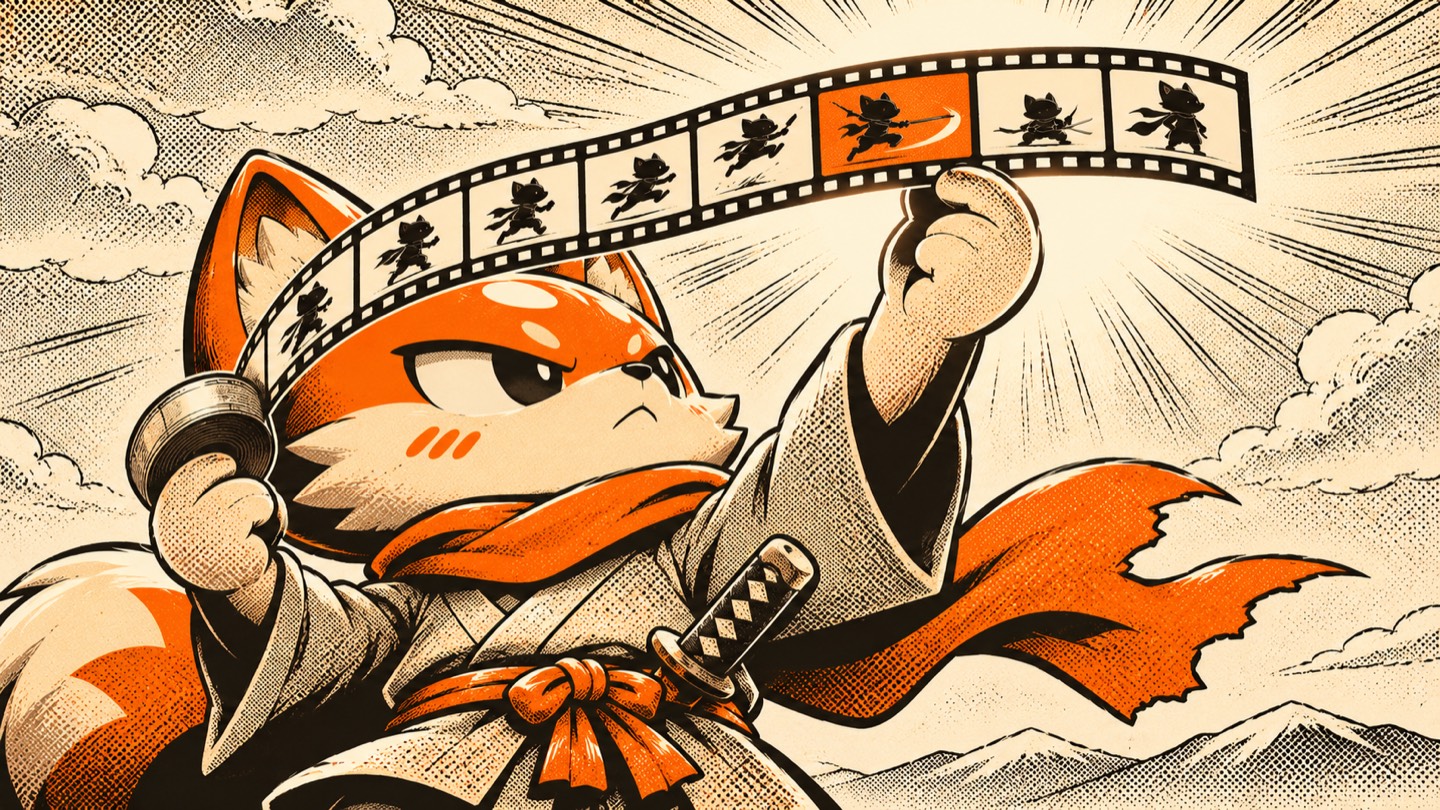
01 — Filmstrip
The filmstrip is the video.
A strip of the video’s own frames hangs below the display. Each frame is a key that jumps to that moment. Mux provides the frames.

Press and hold a coloured latch, then drag to rearrange.
What makes it different
On normal sizes the controls sit beside the picture, so they stay readable over any video. Every player on this page is live.
01 — Filmstrip
A strip of the video’s own frames hangs below the display. Each frame is a key that jumps to that moment. Mux provides the frames.

02 — Jog dial
On short clips, each dial tick moves 1 second. Longer videos scrub faster. Clockwise is forward in every language. The timeline stays the keyboard control.
03 — Notch
Set play="notch" and play button moves into a notch cut in the screen’s corner, so the playback module is free.
Every page has a different shape. KON fits each one.
Live
The same player, resized. The deck picks the dock and the size of every key itself.
<kon-deck arrangement="strip">
Modules
Every module has a coloured latch on its mount. The order you choose is remembered on your device.
Light and dark
Graphite, the charcoal edition, follows the page’s colour scheme. Switch this page at the top, or pin a player with one attribute.
color-scheme="light"color-scheme="dark"Accessibility
The dial only adds. The timeline stays the keyboard and screen reader control for seeking.
Press ? on any player on this page for the full sheet.
The captions key latches down when they’re on, and they have their own style settings.
With reduced motion set, every duration in the skin collapses through its base tokens.
Forced colours keep an outline on every control.
A dark line with a light halo, the same on every key, latch and menu row.
Docked keys start at 32px, with hit areas that reach into the gaps. Compact touch controls expand their caps and spacing for 44px targets.
Use it
Copy src/ into your project, import the skin, and put your media where the template marks it. The deck does the rest.
import '@videojs/html/video/player';
import '@videojs/html/media/mux-video';
import './src/video/skin';
import template from './src/video/skin.html?raw';

const player = document.createElement('video-player');
player.setAttribute('content-title', 'Your title');
player.innerHTML = template.replace(
  '<!-- Add a compatible media component here. -->',
  '<mux-video src="https://stream.mux.com/YOUR_PLAYBACK_ID.m3u8" playsinline crossorigin></mux-video>'
);| Attribute | What it does | Try it |
|---|---|---|
dock | side or bottom pins the modules to one edge. Left out, the deck picks from the player’s size. | |
side-size | The percent of the width the side rail takes, 5 to 40. | |
bottom-size | The percent of the height the bottom band takes, 5 to 40. | |
play | notch moves play into a notch in the screen’s corner. | |
arrangement | The starting order, and the add-ons to attach: chapters, live, out, cue, strip. | |
exclude | Keeps modules off. Playback and options can’t be excluded. | |
--media-accent-color | Recolours the orange on play, time, tabs and frames. Try it with the accent controls in the live demo. | |
color-scheme | On the player, light or dark pins the edition. |

The workbench sets the player to any shape or exact size, any dock, play position and set of modules, in light or dark.
Try every optionAbout the artwork
Every image on this page was made with AI using one saved style, Screentone Vinyl Hero, on StyleRef. Reusing the same style keeps the colours, texture and drawing consistent, so the pictures read as one series.