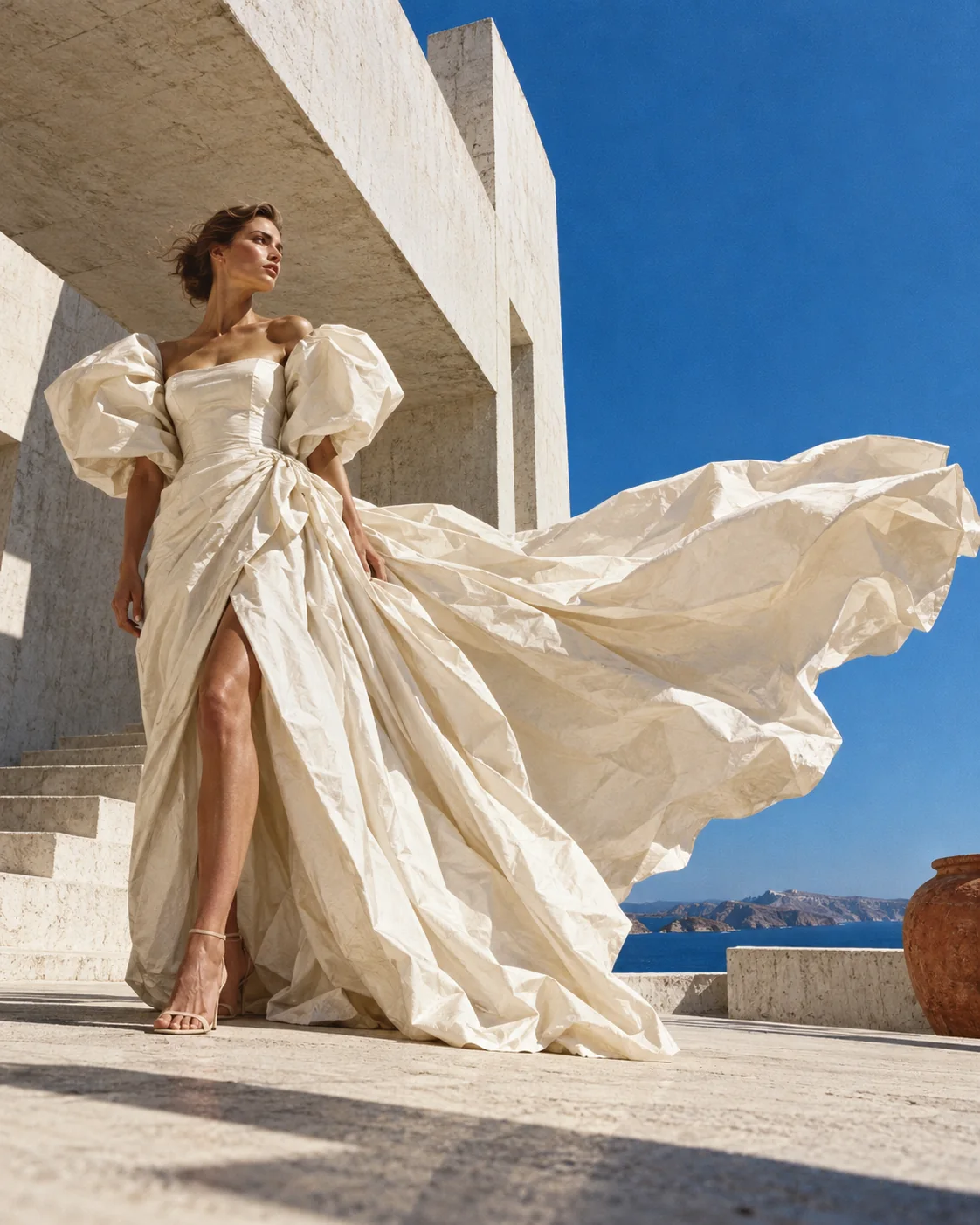
“A sculptural ivory dress with exaggerated flowing fabric, an expansive architectural setting, strong fabric movement.”
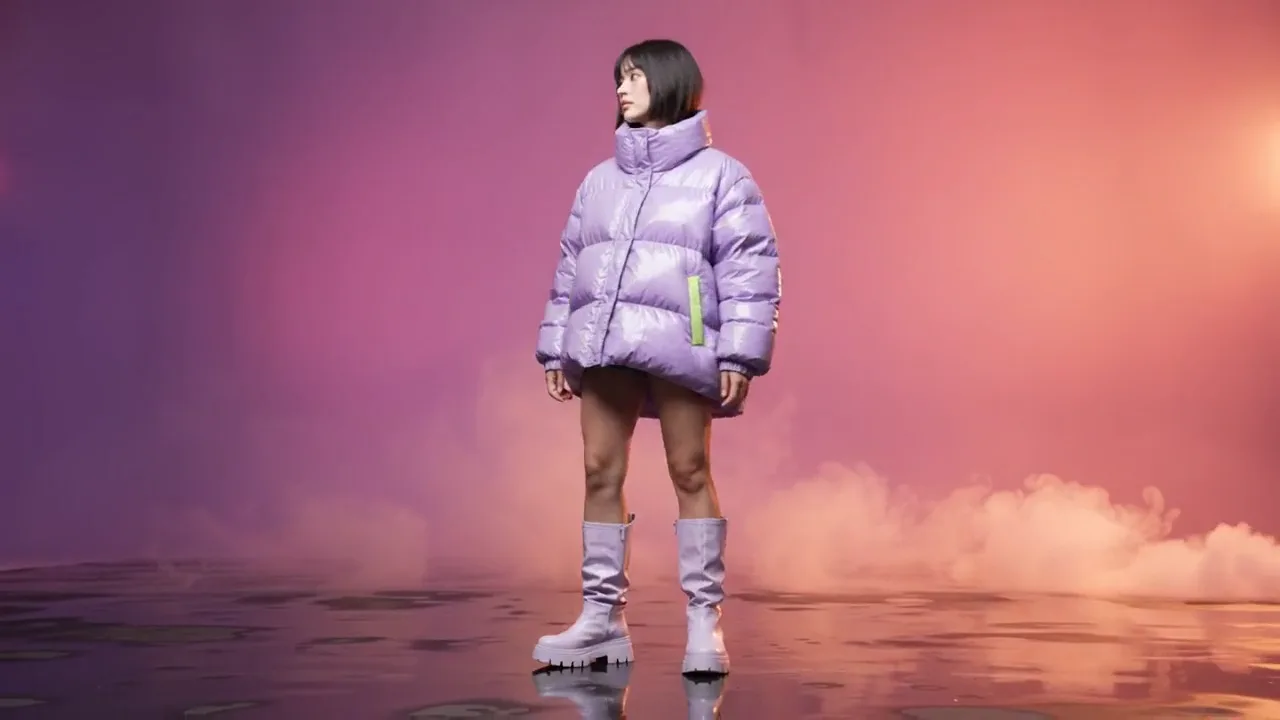
The film behind this section: a slow camera push toward a model in an oversized glossy lilac puffer on a violet-to-rose studio field, smoke drifting through.
RÉMIGE turns a written direction into stills and film, and keeps those words beside every frame it makes.
Free to start. No credit card required.
Selected work
Every piece is shown with the direction that made it. Self-initiated concept work for this portfolio.
“A sculptural ivory dress with exaggerated flowing fabric, an expansive architectural setting, strong fabric movement.”
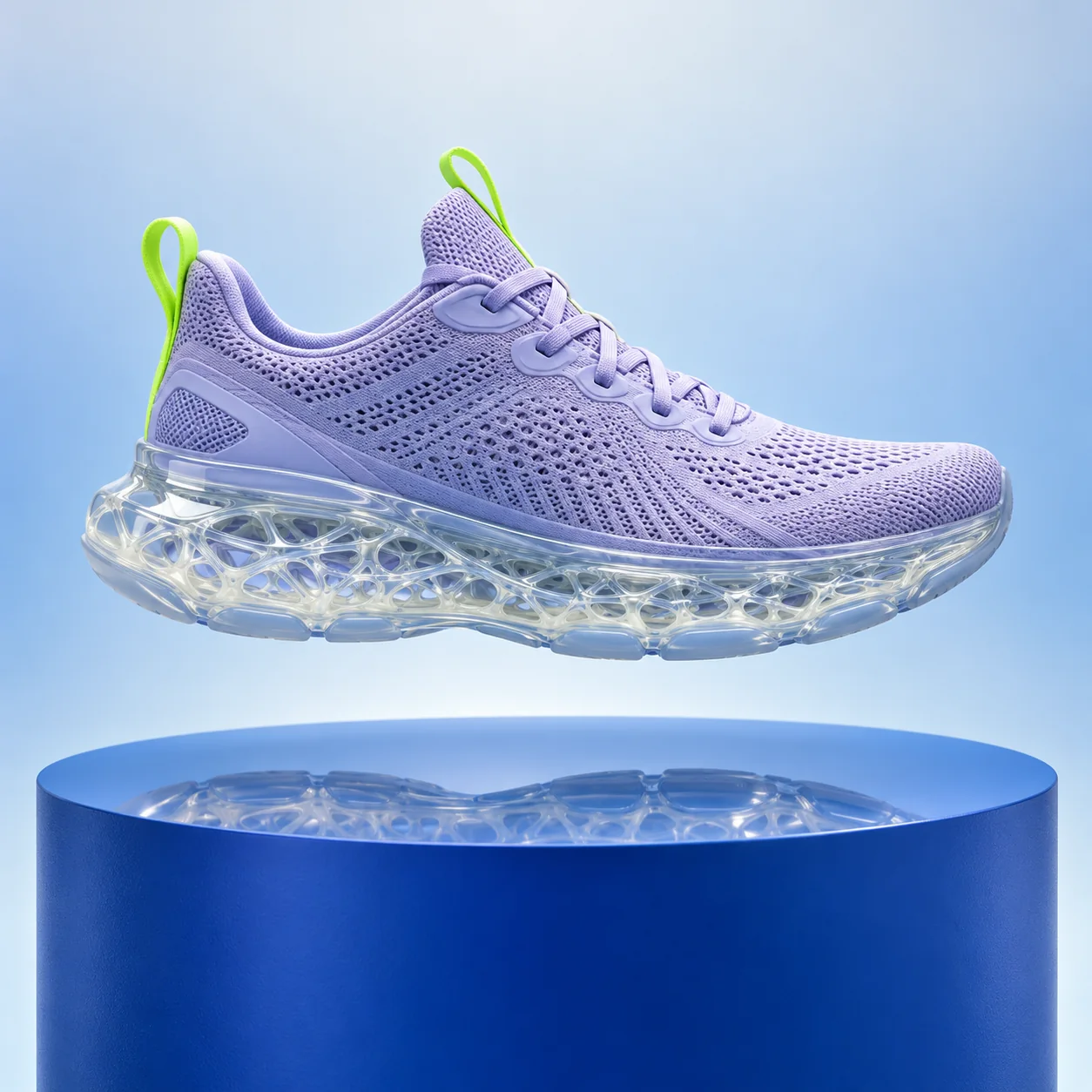
“A running shoe with a sculpted translucent sole, suspended above a display platform. It rotates slowly to reveal the sole.”

“A liquid-silver electric car on a winding mountain road at blue hour. A low tracking shot moves to the front quarter.”
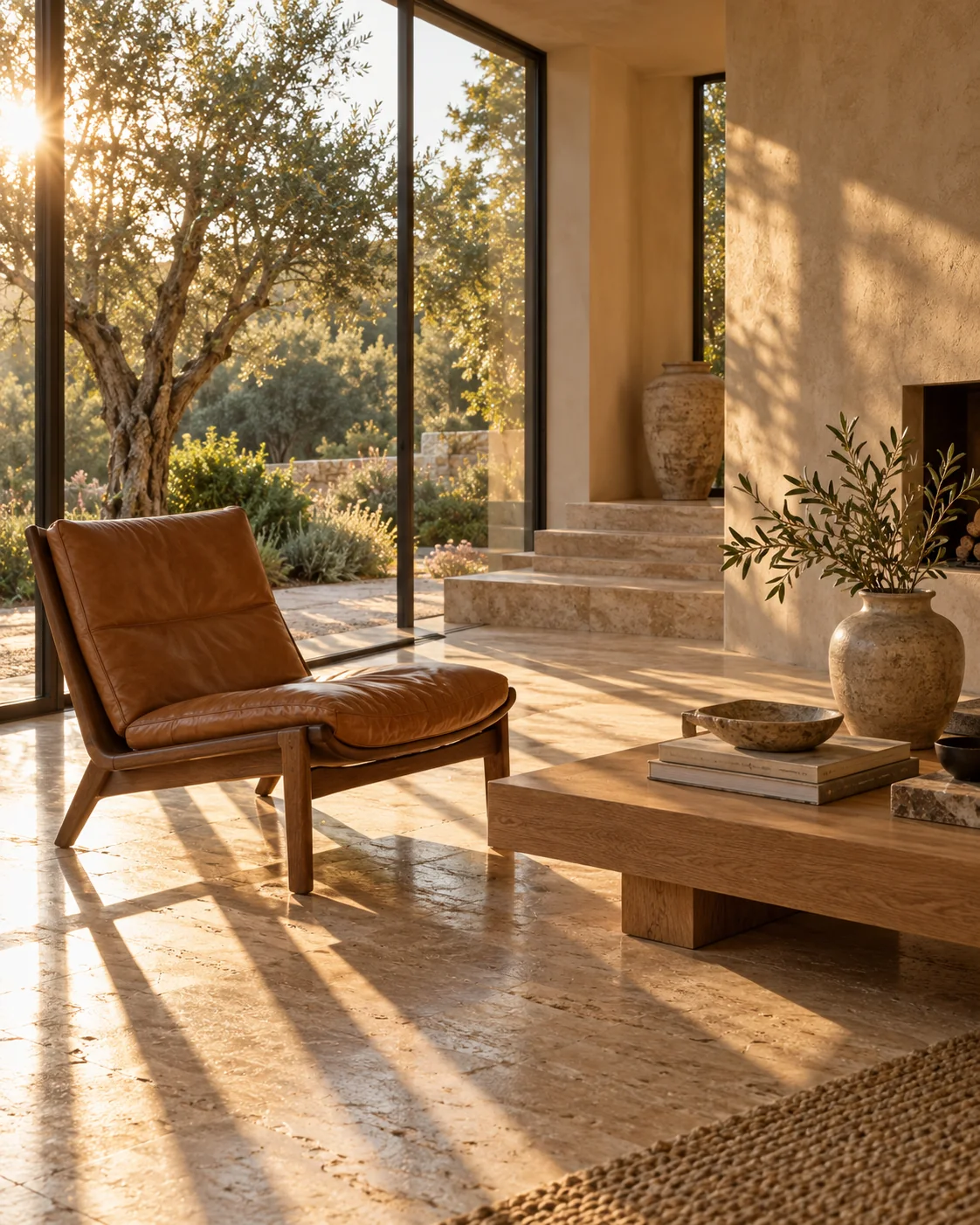
“A caramel leather lounge chair in an architectural residence, natural stone, long golden daylight.”
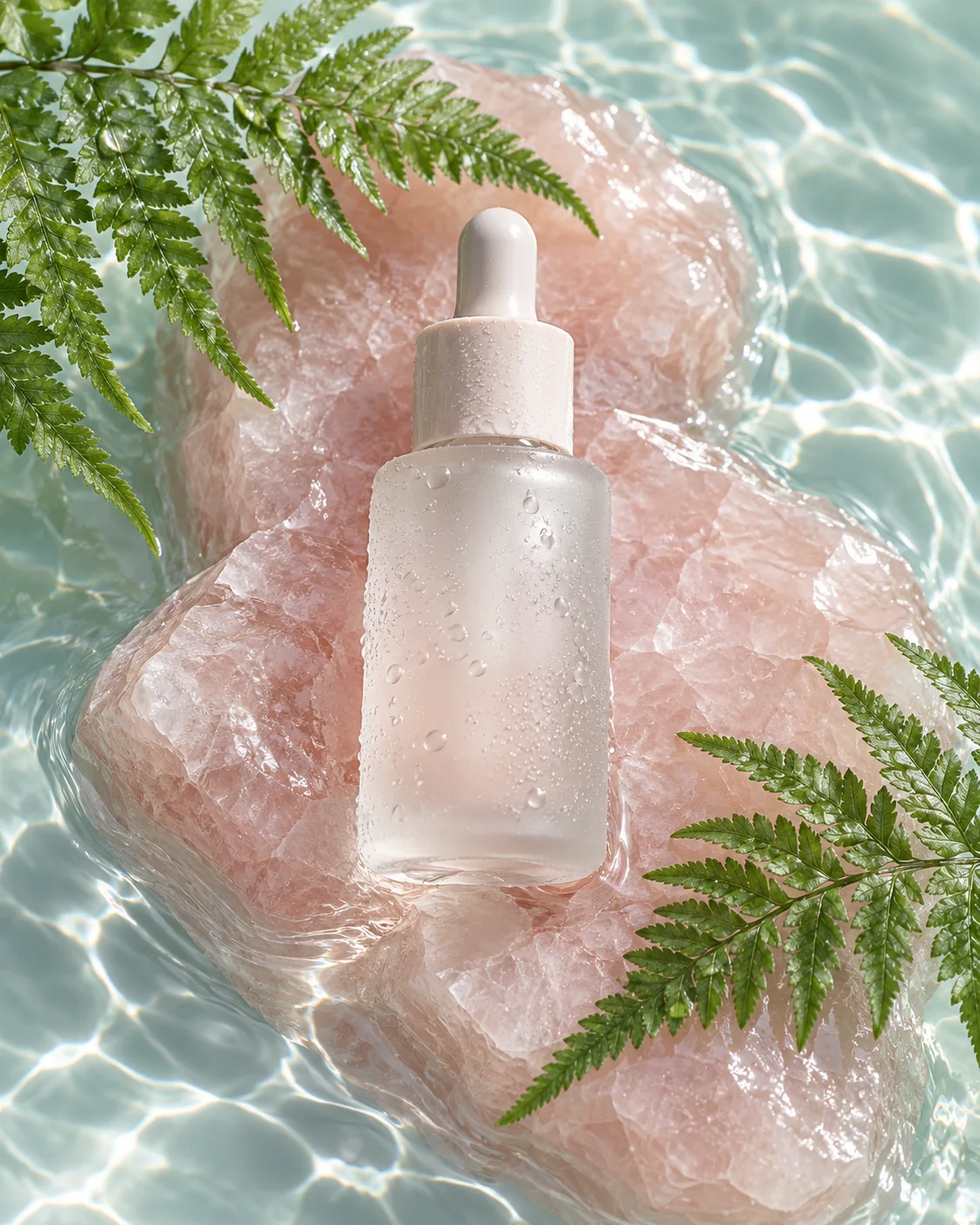
“A frosted serum bottle on a smooth stone block in clear water. A droplet rolls slowly down the glass.”
The creative toolkit
Create, transform, and refine visual content through a connected set of AI-powered tools.
Direction
“A fashion editorial: a sculptural ivory dress with exaggerated flowing fabric on a sun-bleached white concrete terrace, a hard cerulean sky, strong wind.”
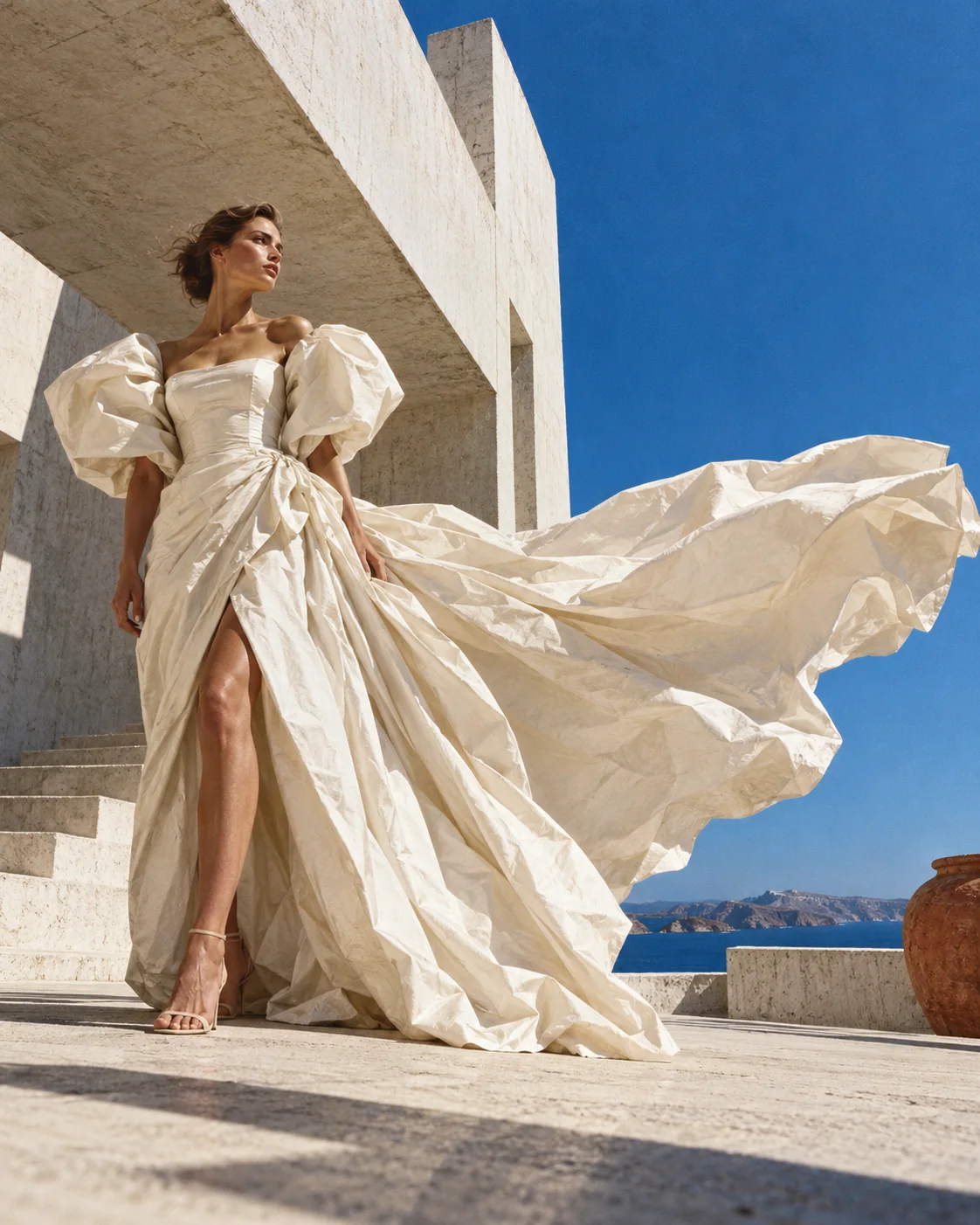
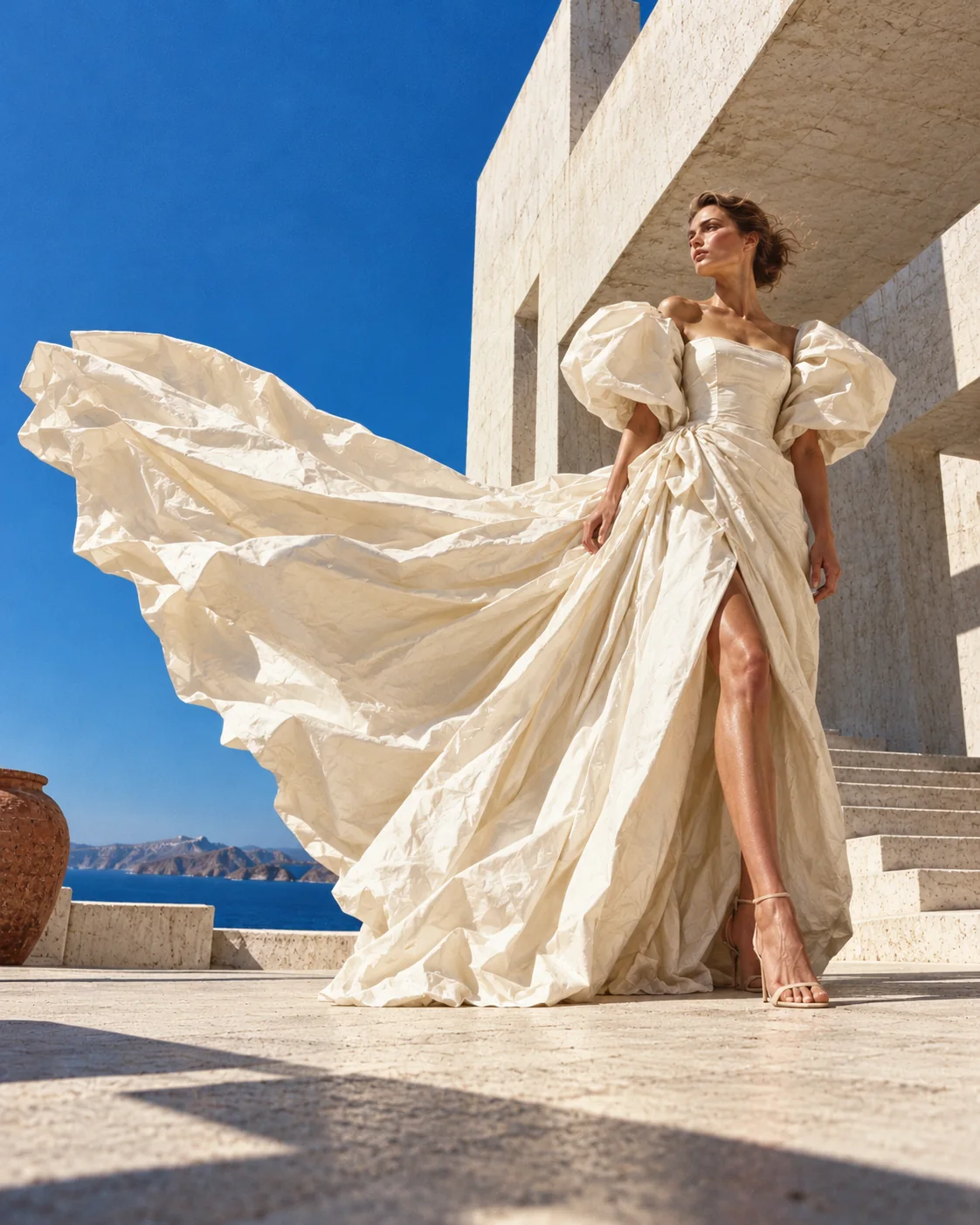
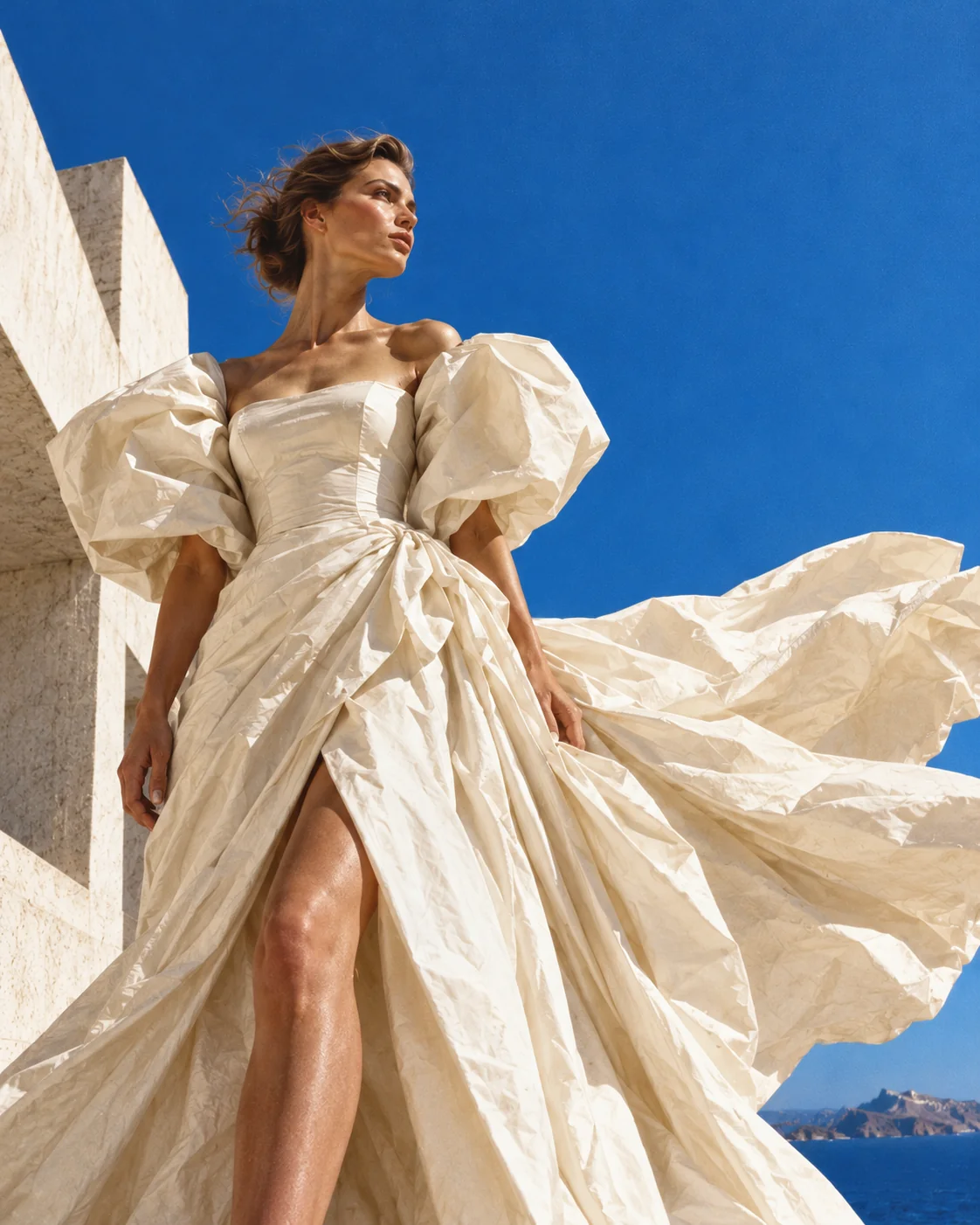
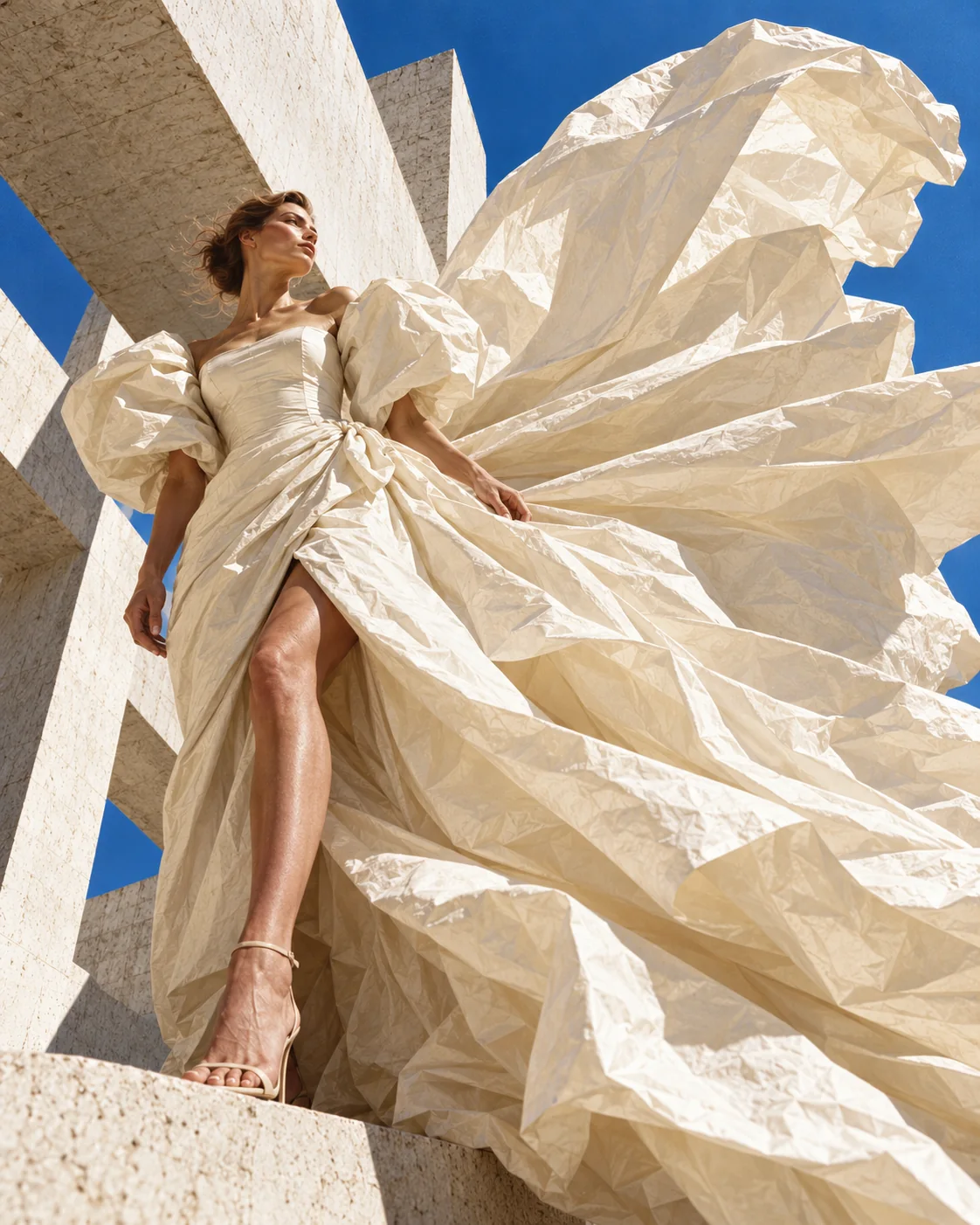
Transform creative direction into detailed imagery. From early concepts to polished campaign visuals, build an image using a simple prompt.
Turn your favorite visuals into motion. Introduce camera movement, animate environmental details, and transform a single frame into a short video.
Reference held Second Skin / 01 · same subject and fabric across four generations.
The process
Go from a creative brief to a finished visual in a few intuitive steps — one project, followed from start to finish.
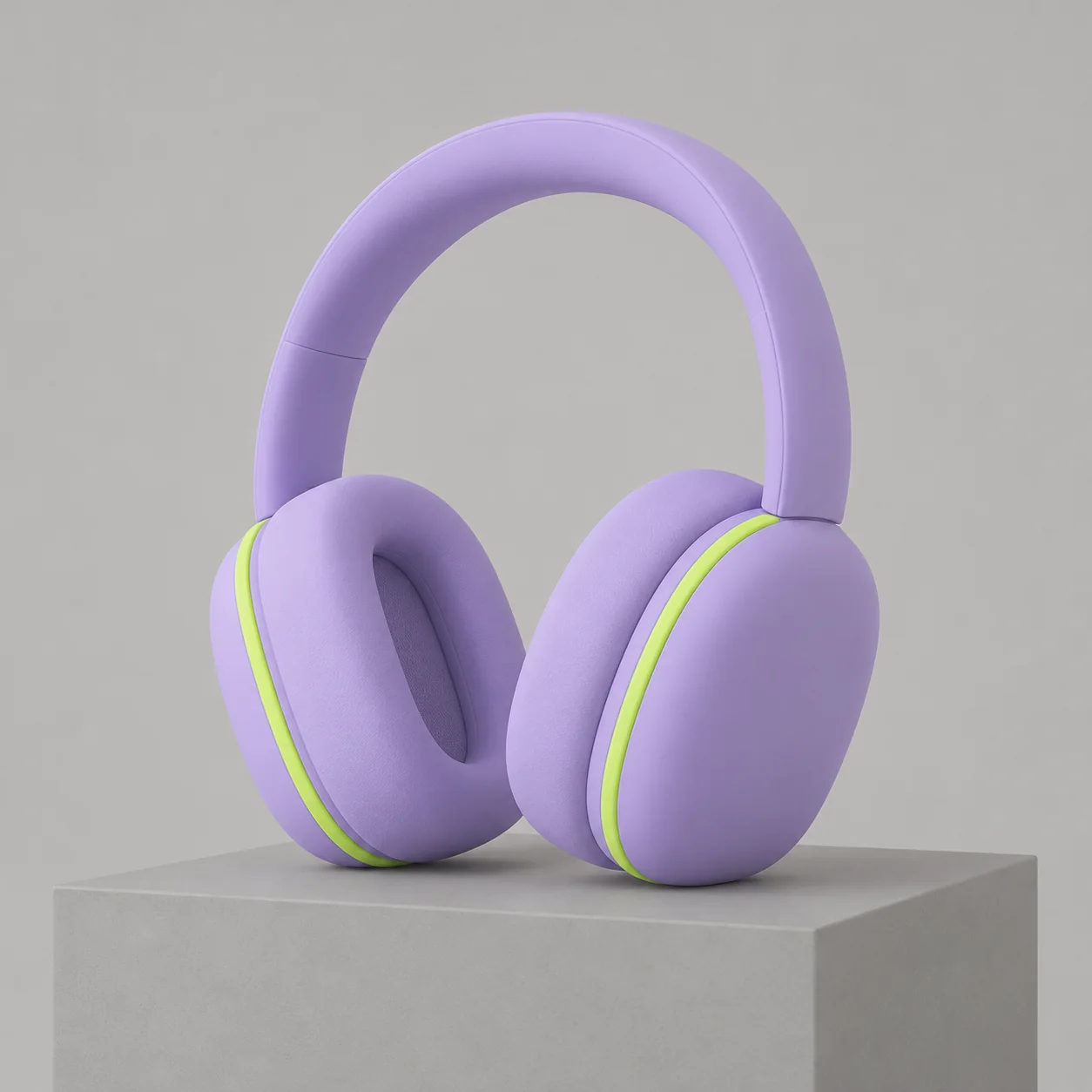
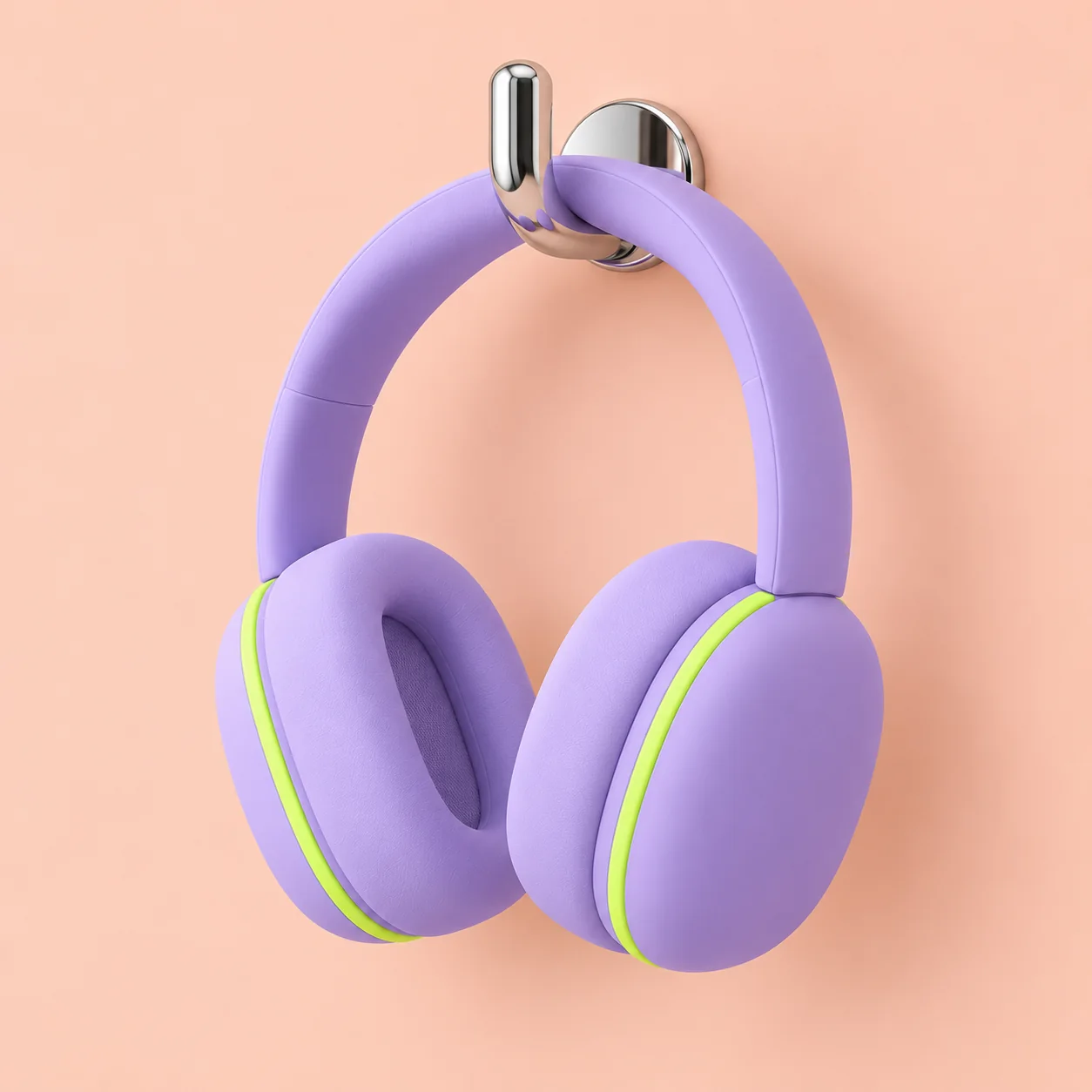
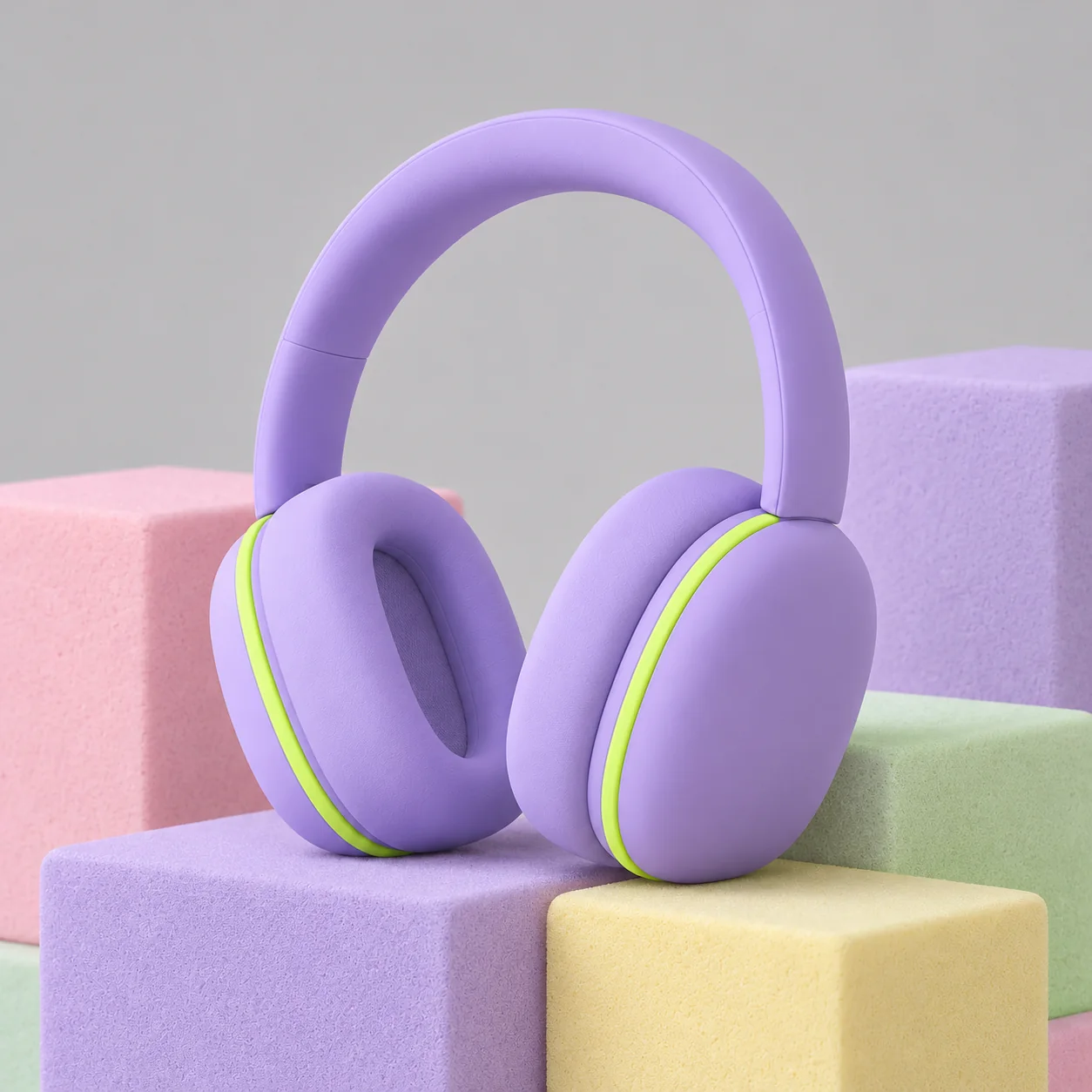
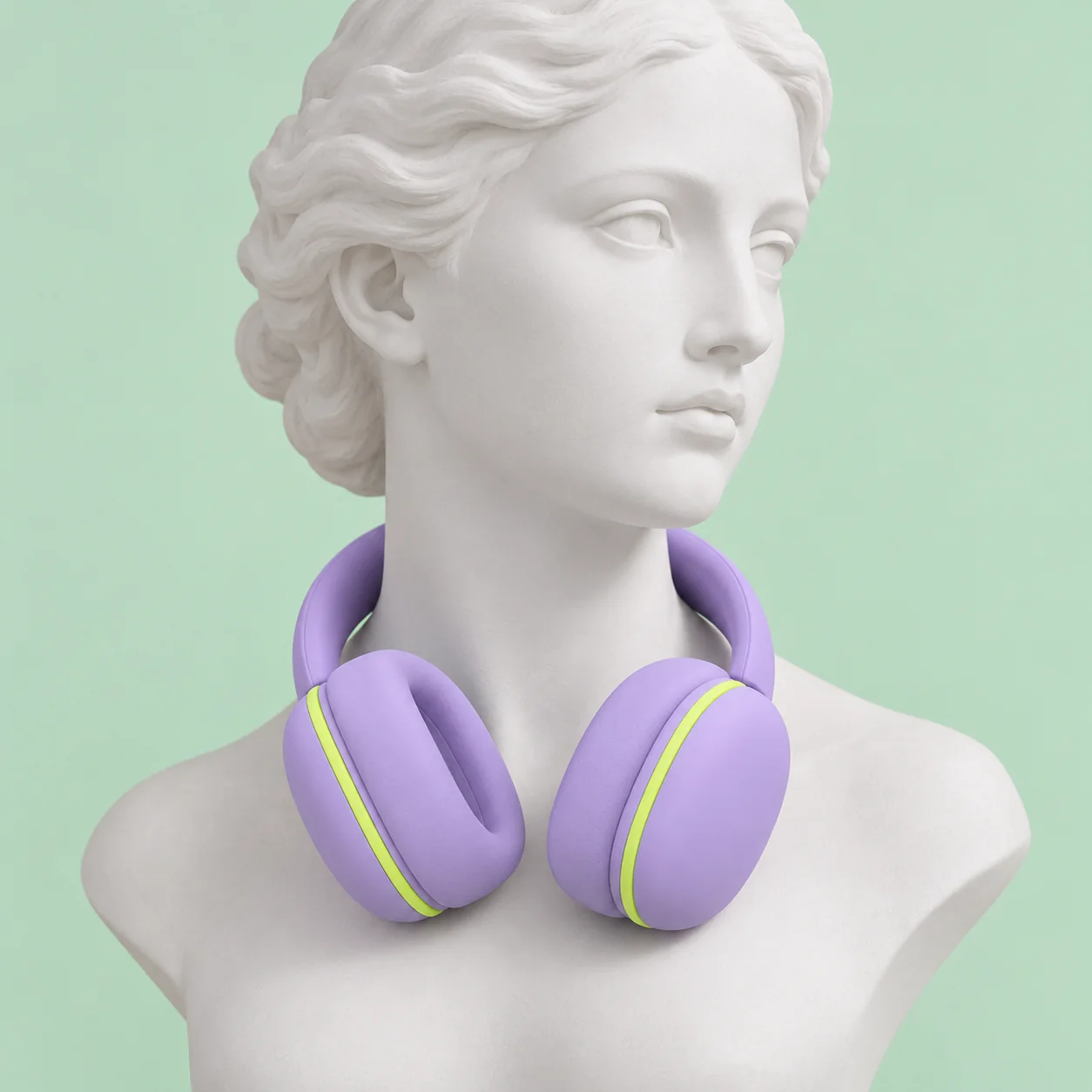
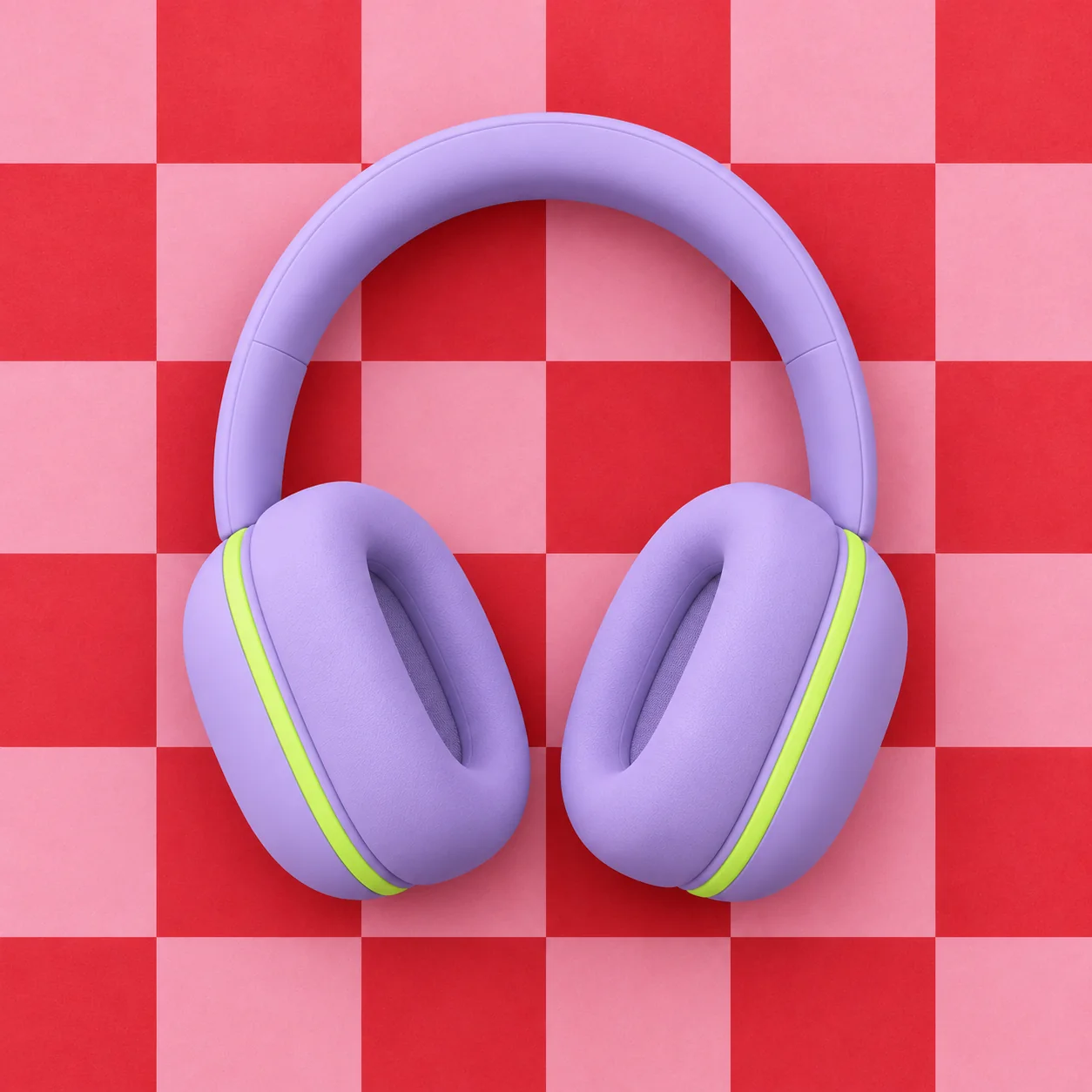
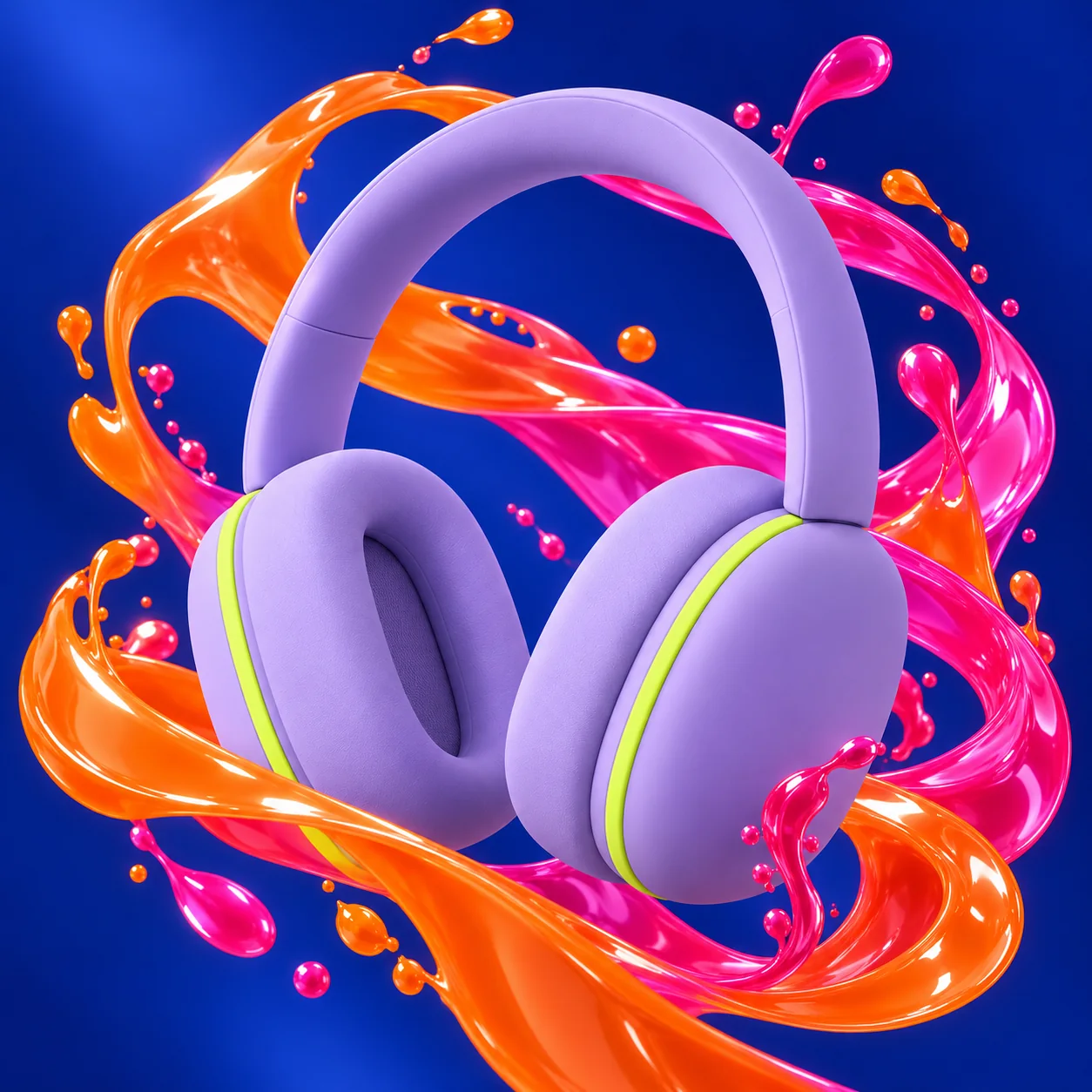
Write a prompt or upload a reference. Describe the subject, composition, materials, and details you want to create.
“Sculptural over-ear headphones in matte sorbet lilac, one lime accent ring on each cup.”
Generate visual options, compare results, and refine your direction until the image feels right.
Four generated variations of the same headphones.
Adjust your prompt, create variations, or use a reference to guide the next result. Drag across the image to compare.
“Keep the headphones exactly. Wrap them in glossy ribbons of tangerine and pink on cobalt.”
Transform your chosen image into a moving scene, then export it for your next project.
The ribbons flow slowly around the floating headphones.
Made for creative work
One creative studio. Different disciplines, one way of working.
Lookbooks, campaigns, covers.
Packshots, launch stills, hero films.
Moodboards, packaging, art direction.
Five-to-ten-second loops for social and screens.
Inside the studio
From the first prompt to the final export, keep your ideas and creations together in one intuitive workspace.
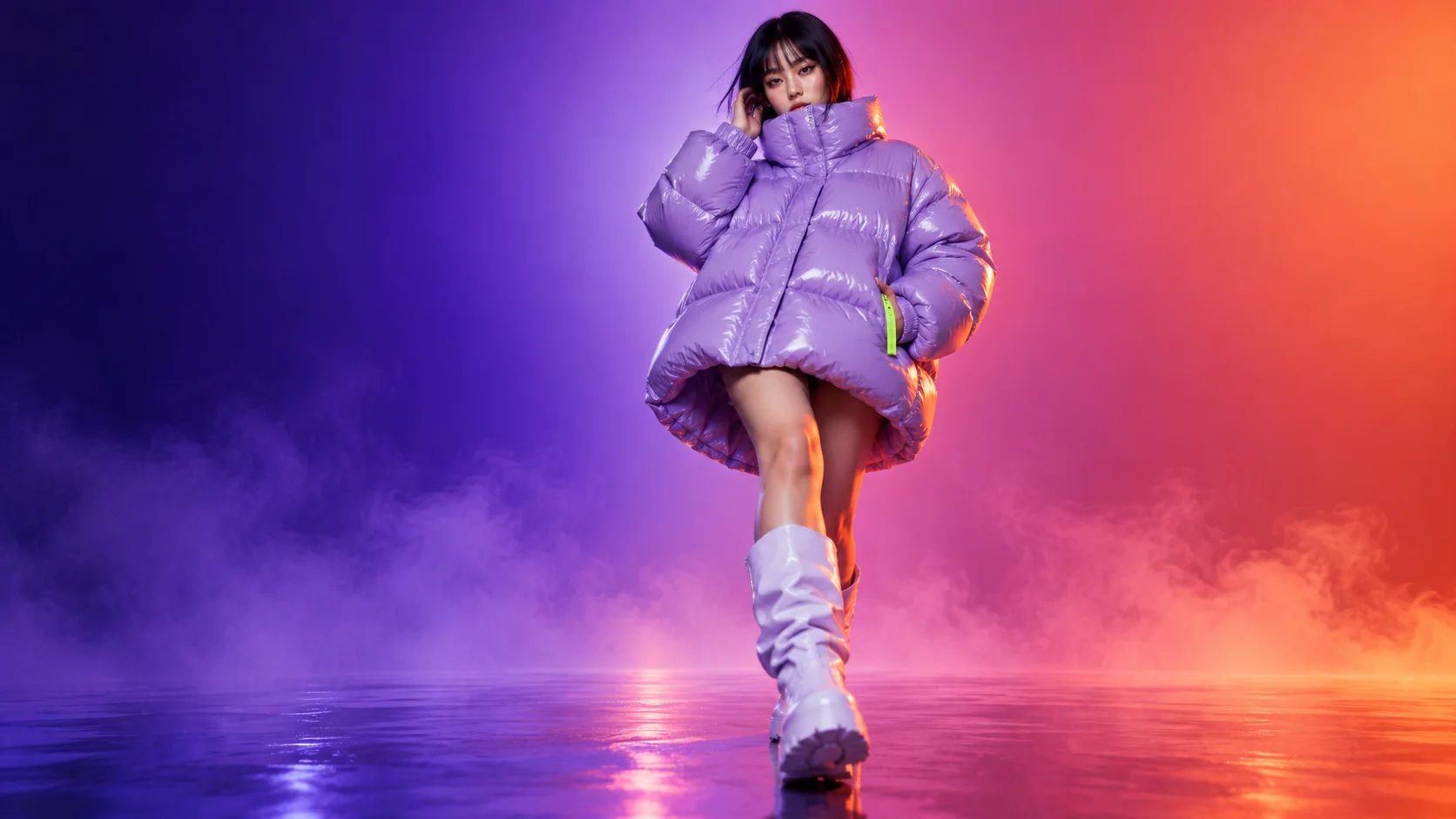
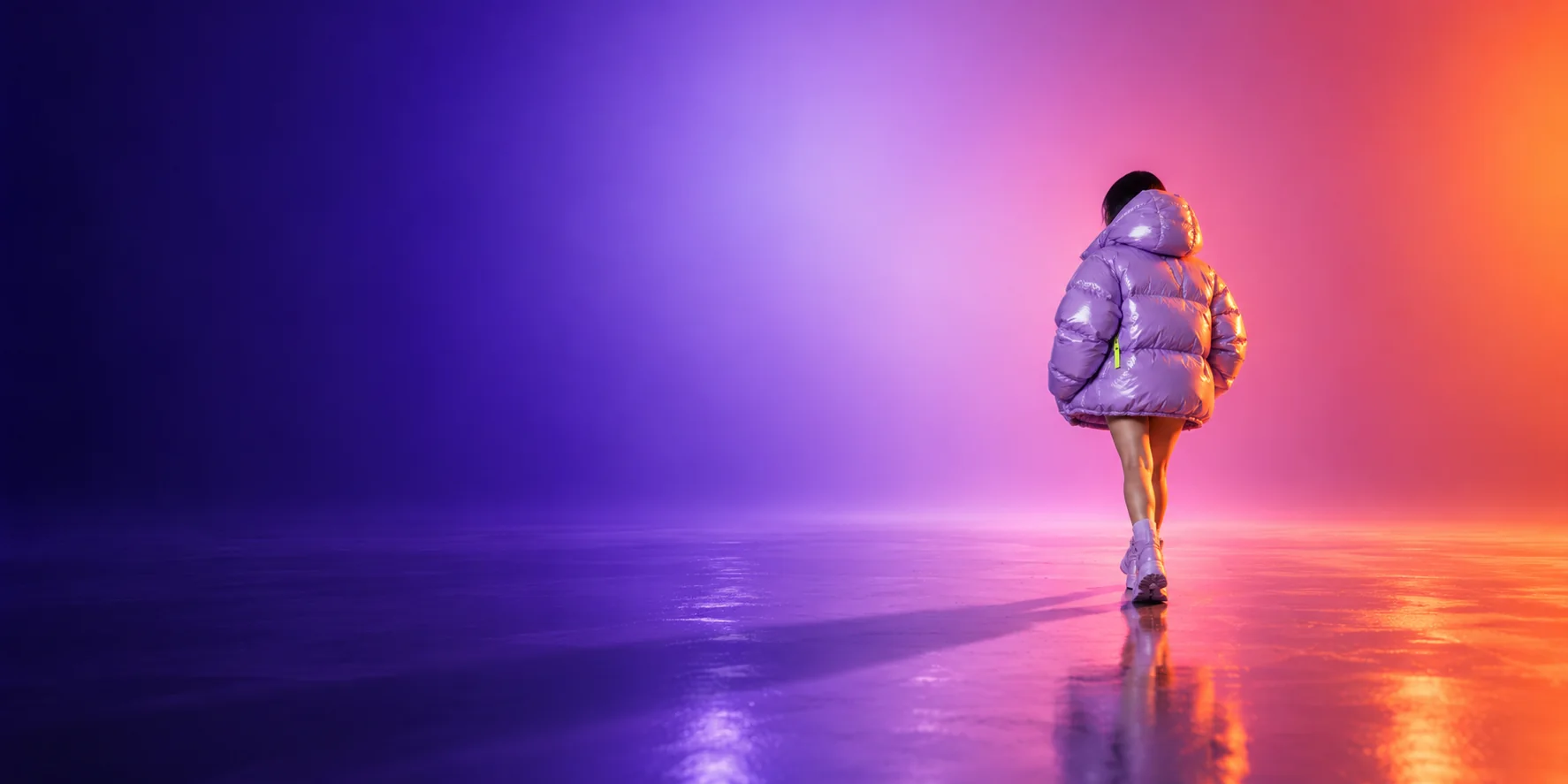
Direction held: glossy lilac nylon · violet→rose field · tangerine rim light · silhouette and pose preserved from the Volt / 01 still.
A designed prototype: generations here play prepared results — nothing is sent anywhere.
Simple pricing
Start exploring for free. Choose a plan that fits your creative workflow when you’re ready to do more.
For trying the studio on your own ideas.
$0/ month
For independent creatives whose work goes to clients. The first plan with commercial use and private projects.
$24/ month
For small teams sharing one studio, with three seats.
$59/ month
Every plan includes image generation, video generation and reference uploads. No credit card required for the Free plan.
Standard image 2 credits5-second video 30 credits10-second video 60 credits
*Commercial use is subject to RÉMIGE’s illustrative licensing terms. Pricing and allowances are fictional and are part of this portfolio concept.
FAQ
RÉMIGE is an AI-powered creative studio for generating images and videos from text prompts and existing visuals.
No. You can begin with a simple description and explore different creative directions. More detailed prompts and references allow greater control.
Yes. Upload an existing image or use an image you generated in RÉMIGE, then describe how you’d like it to move.
Creator and Studio plans include commercial-use permissions, subject to platform terms and applicable rights restrictions.
Credits are consumed when you generate images or videos. Different generation types have different credit costs: a standard image is 2 credits, a 5-second video 30, a 10-second video 60.
Yes. The Free plan includes 60 credits each month. You can upgrade whenever you need more.
Start with 60 free credits and one sentence.
Free to start. No credit card required.